All-in-One Card Reader for iPhone, Android and Computer
Troubleshooting Guide:
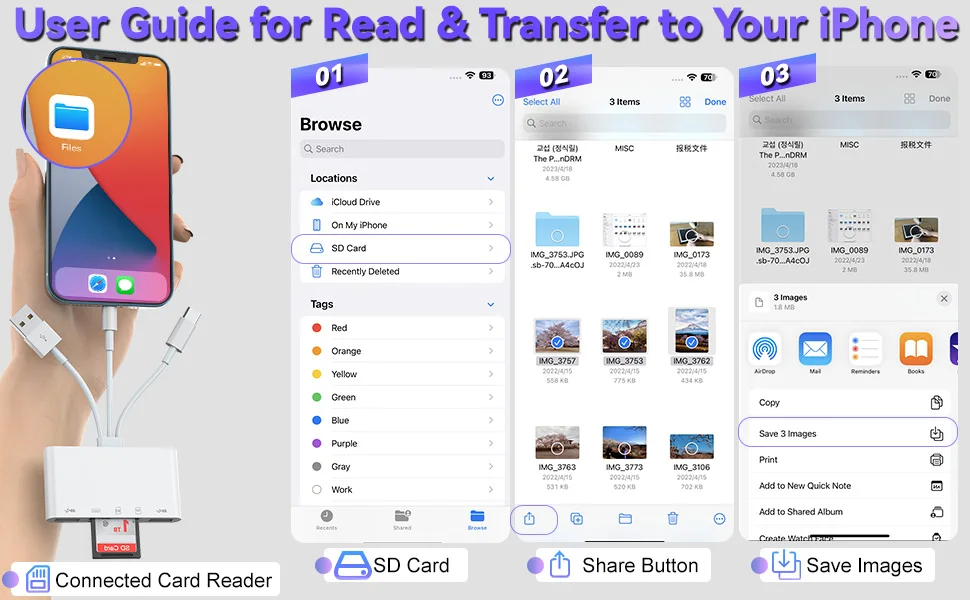
for iPhone Users: No pop-up appears when connected. Simply open the "Files" app → locate and tap the new drive under "My iPhone" to access your memory card.
Android Users: If the reader doesn’t work, ensure OTG is enabled in your phone settings.
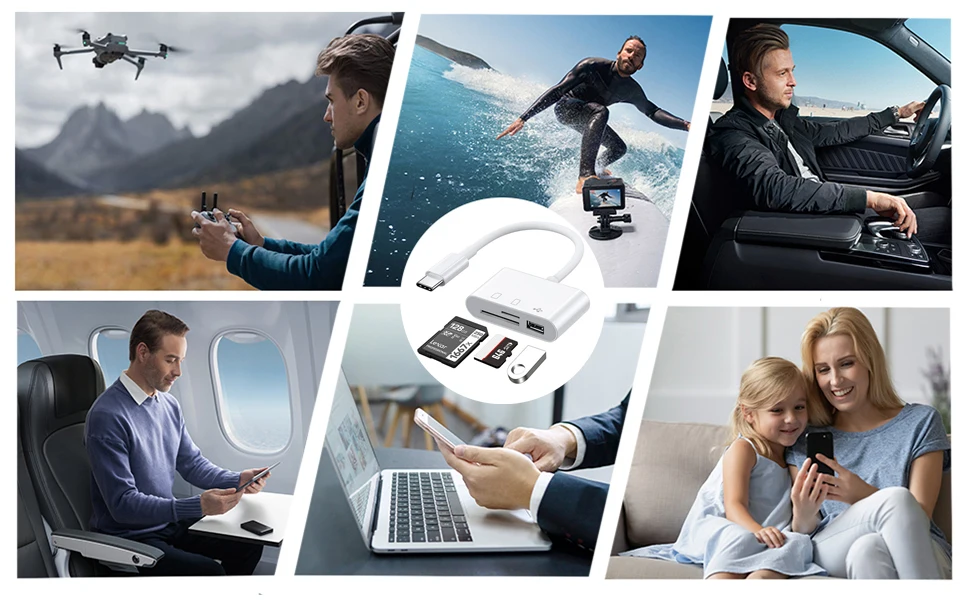
【Universal Compatibility】Works with iOS 12.0+ iPhones/iPads, OTG-enabled Android phones, and Type-C/USB-C devices (including computers).
【Package Contents】 1x Card Reader. (Please note: When placing an order, please carefully check the product style you have selected.)
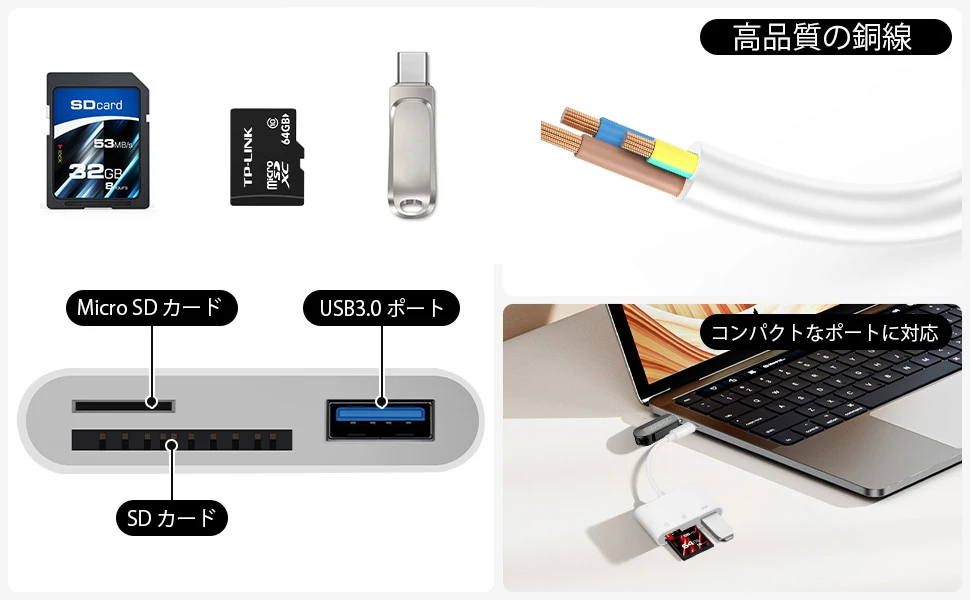
【Wide Storage Support】 Compatible with SD/SDHC/SDXC and Micro SD/Micro SDHC/Micro SDXC cards (up to 2TB).Note: Some file types may require a third-party app to open.
【Pre-Purchase Note】This card reader supports memory cards up to 2TB. It is not compatible with devices having internal storage exceeding 2TB.
【Product Tags】 Card Reader, SD TF Adapter, iPhone OTG, Type-C Reader, Photo Backup, Files App, Portable Card Reader