SPECIFICATIONS
Battery Included: No
Brand Name: Aideepen
Certification: NONE
Choice: yes
Condition: New
DIY Supplies: Electrical
Dropship: Support
High-concerned chemical: None
Key Word: for PSU ATX SATA HDD Checker
Model Number: For PSU ATX Diagnostic Tool
Origin: Mainland China
Type: Diagnostic Tool,Electronic Device Battery Tester
semi_Choice: yes
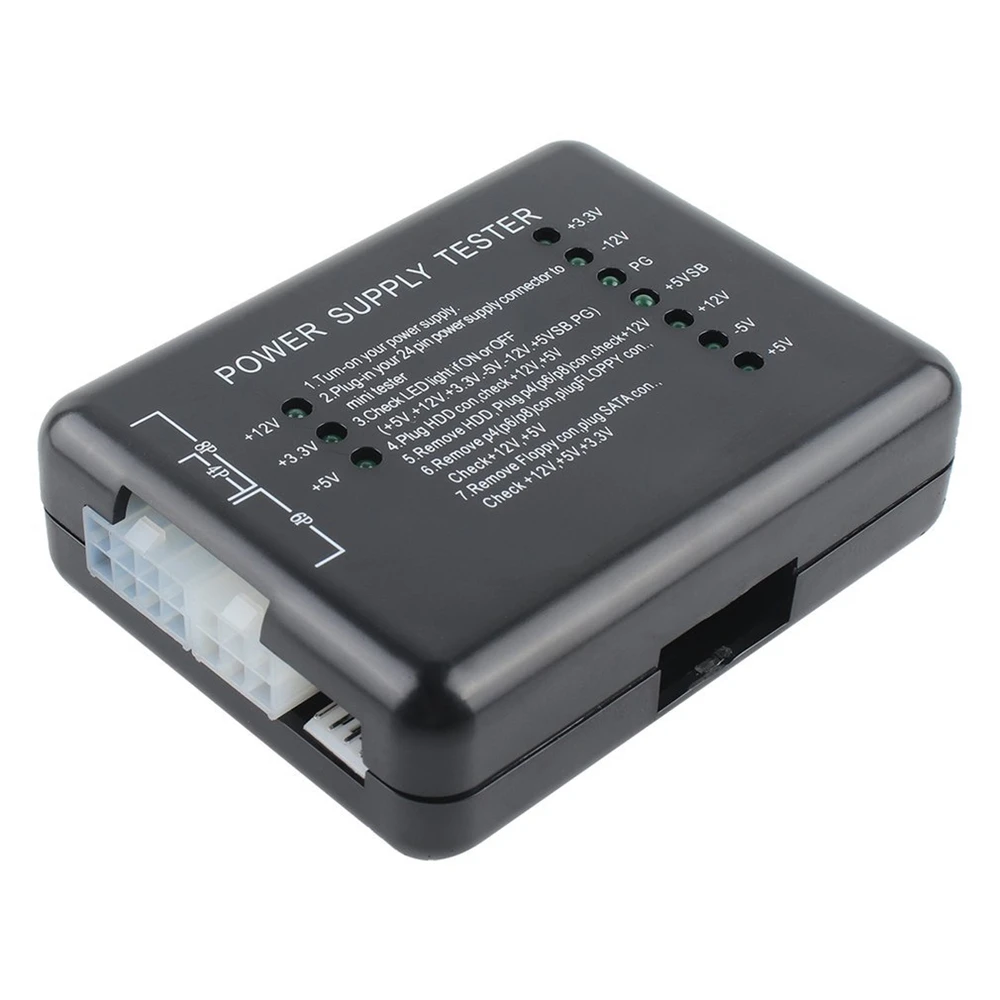
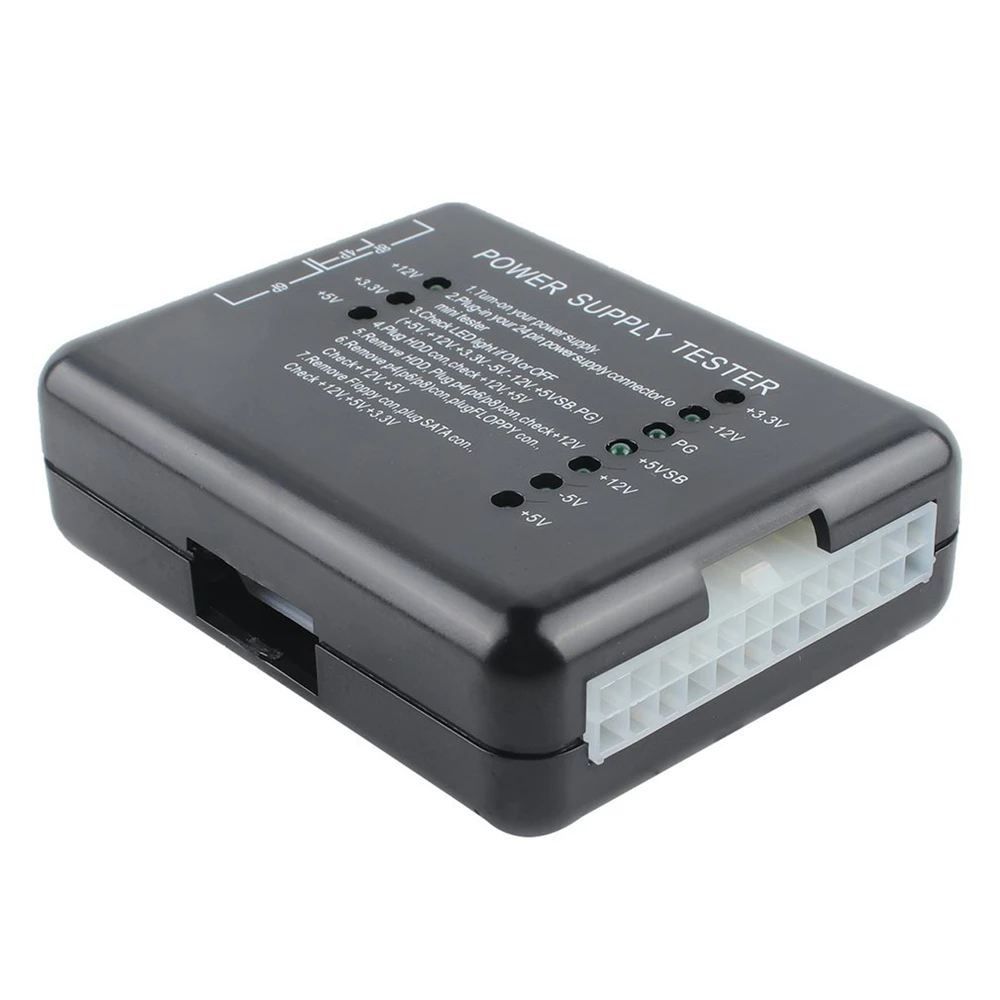
20/24 Pin for PSU ATX SATA HDD Checker Meter Measure LED Indication Diagnostic Tool Testing for PC Computer Power Supply Tester

Feature :
1. Using high-quality materials, the quality is guaranteed
2. Easy to use, good stability
3. Small and exquisite
4. The power tester is a PC power tester with stable voltage to protect your computer from damage
5. Green LED = Power OK
parameter:
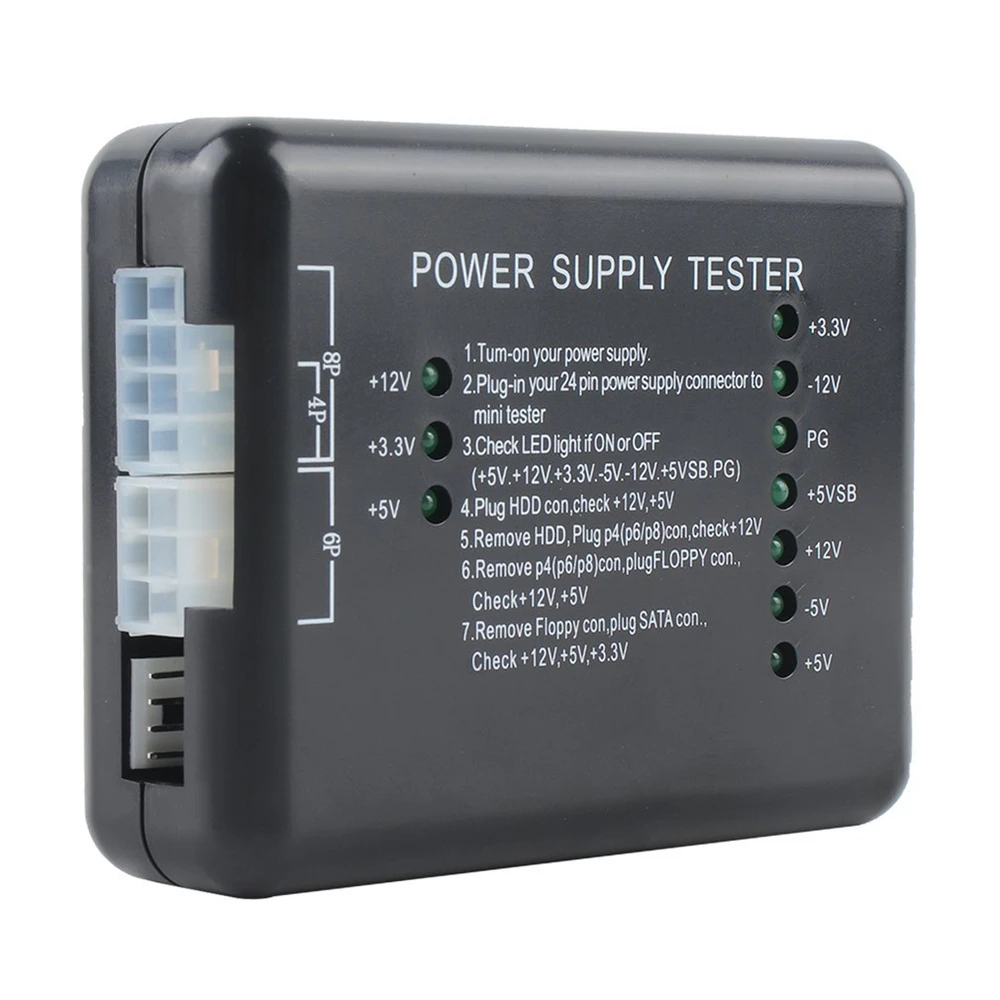
Input port: 20/24pin (ATX-connector)
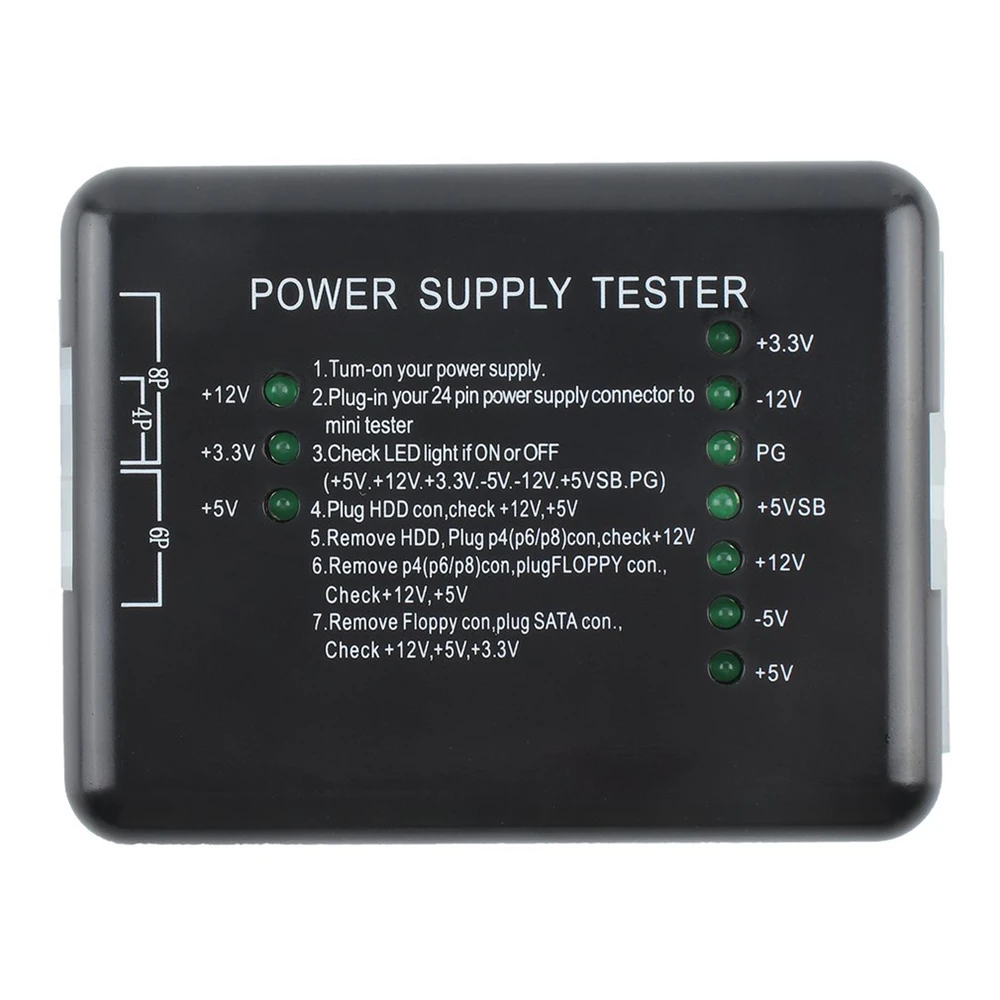
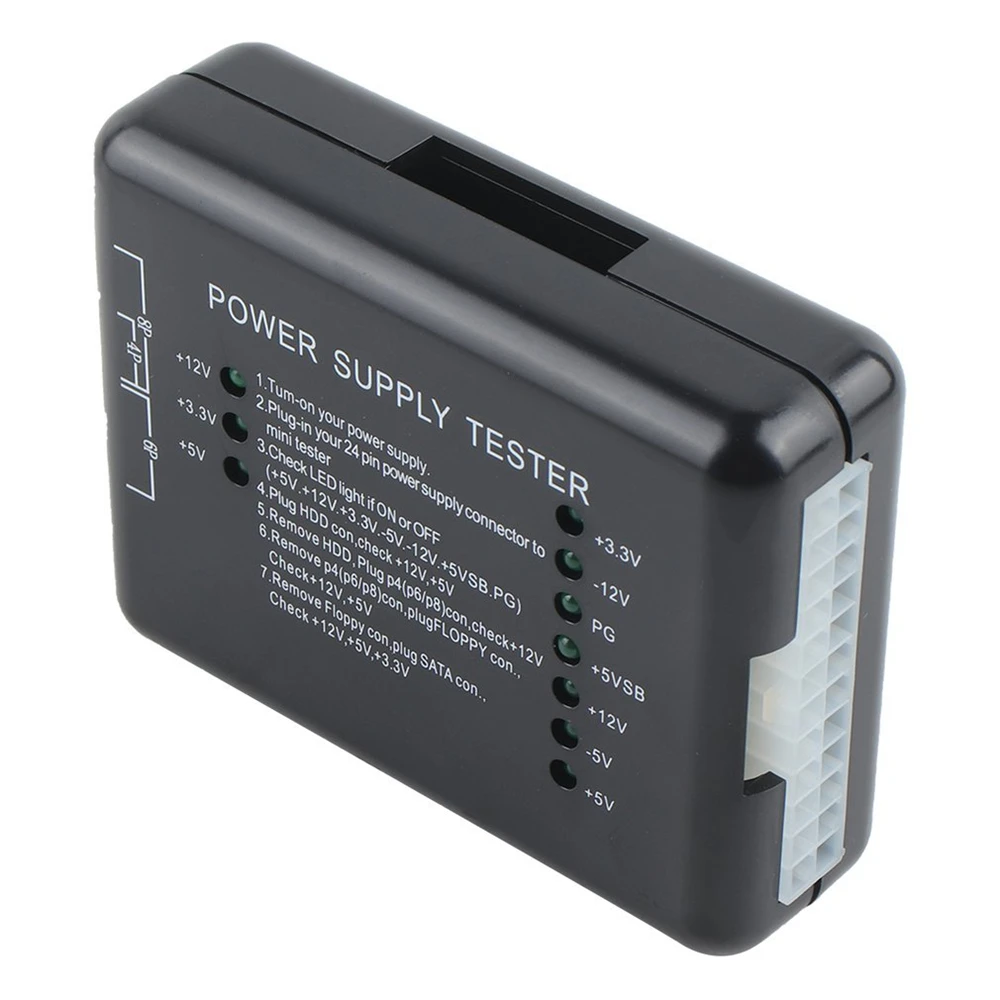
Voltage detection: +12V, -12V, +5V, -5V, +3.3V, 5V Stand by (SB) 12V, power Good (PG)
Connection port: Floppy, HDD, CDROM, SATA, 4 pin(P4), 8 pin(Dual-CPU), 6 pin(PCI-Express)
Operation method:
1. Supply power to the power supply under test.
2. Insert the 24P (20P) plug of the power supply to be tested into the corresponding 24P (20P) socket of the power tester.
3. Check whether the seven lights on the right (+3.3, -12V, PG, +5VSB, +12V, -5V, +5V) are on, preferably all are on.
4. Insert the HDD plug of the power supply to be tested into the HDD socket of the power tester, and check whether the two lights on the left (+12, +5V) are on, and all lights are better.
5. Pull out the HDD plug from the power tester, and then insert the P4 (P6/P8) plug into the corresponding P4 (P6/P8) socket, check whether the left light (+12V) is on, it is good.
6. Pull out the P4 (P6/P8) plug from the power tester, and then insert the FLOPPY (floppy drive) plug into the corresponding FLOPPY socket, check whether the two lights on the left (+12V, +5V) are on, and all lights are better .
7. Pull out the FLOPPY plug from the power tester, and then insert the SATA plug into the corresponding SATA socket, check whether the three lights on the left (+12V, +3.3V, +5V) are on, and all of them are better.
Package list:
Power tester*1